Install the tracking snippet once and you are done.
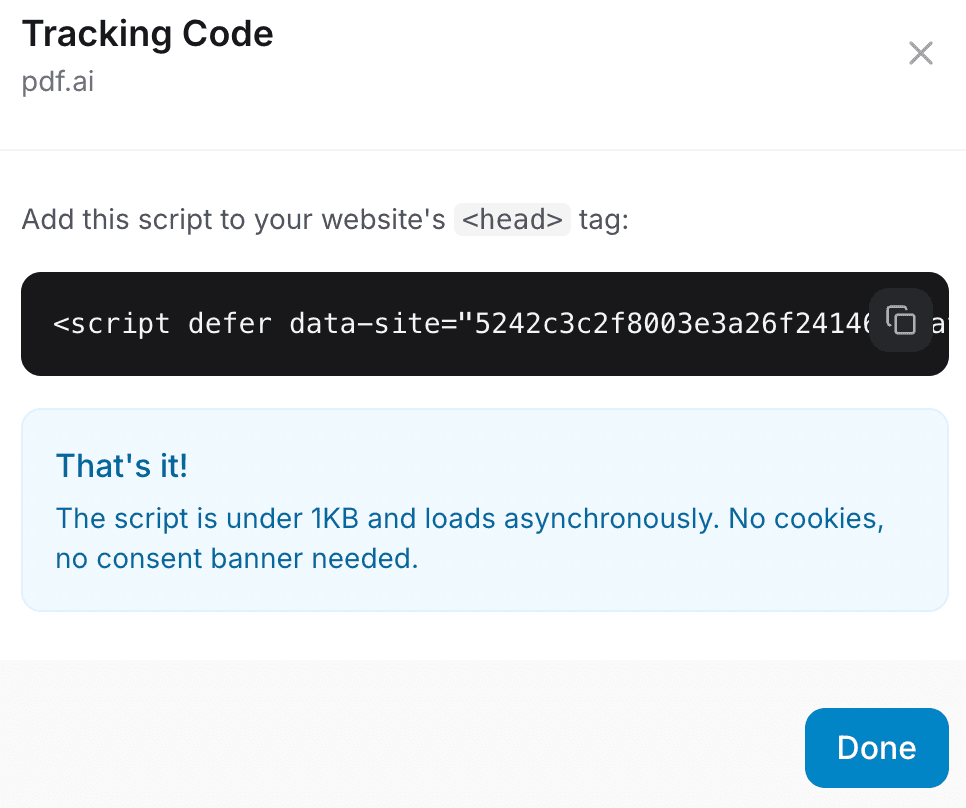
Open Analytics
Pick your site and click the tracking code button.
Copy the snippet
Use the snippet shown in your dashboard.
Paste it in your site header
Add it inside the
<head>tag and publish.Wait for “Script detected”
Visit your site once, then refresh the Analytics page.
htmlCopy from your dashboard
<!-- Copy from ConversionOS -->
<script async src="https://your-snippet-here"></script>
Note
The script is lightweight and privacy friendly. No cookies or consent banner needed.