Invite teammates so everyone can work in the same workspace.
Open Team
Go to Team in the dashboard sidebar.
Add an invite
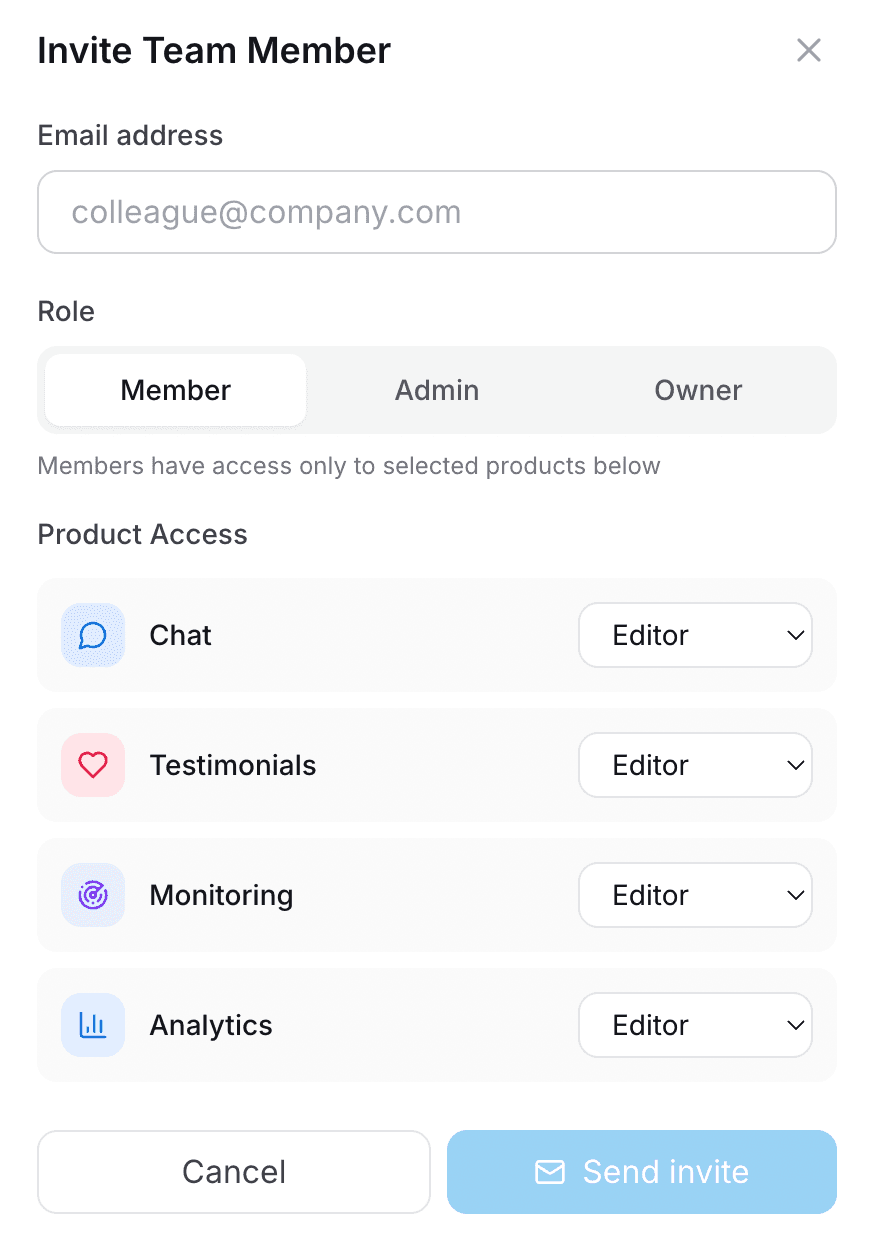
Enter an email and choose a role.
Set product access
Pick which products they can view or edit.
Send or share the invite link
You can also resend invites later.
Tip
Admins get full access. Members can be limited per product.